

If you are specifically looking for Melissa apartments with AT&T internet provider options, VLux Stoneridge is one confirmed option. The community states that AT&T services the property, and internet is not included with rent, so residents arrange their own service directly with AT&T.
That distinction matters, because it means you are not comparing a bundled building-wide internet package against your own account. Instead, the key questions are which AT&T service type is available at the exact apartment home, what speed tiers are currently offered there, and whether that setup fits how you work, stream, game, or manage smart-home devices.
What AT&T availability at an apartment really tells you
When an apartment community confirms AT&T as a provider, that establishes provider access at the property, but it does not automatically tell you the exact internet technology or plan selection for every individual address. AT&T serves different locations with different infrastructure, and available speeds can vary by unit, building, and current network capacity.
For that reason, the most useful next step is to check the exact apartment address with AT&T before you sign a lease or schedule a move. Use the provider’s address lookup for the specific unit number you are considering, then compare the listed plan names, speeds, equipment terms, and whether the offer is fiber or another connection type. That is the fastest way to move from general provider availability to a real answer for your household.
It is also worth separating internet service from cable assumptions. Many renters still search for both together, but the practical decision today is usually about internet performance first. If your household relies on streaming TV, remote work platforms, cloud backups, gaming downloads, video calls, or smart devices, your actual speed tier and connection type will matter more than whether a building simply names a recognizable provider.
At VLux Stoneridge, the community also states there are no community-charged installation fees for internet or cable, while any fees tied to self-setup with your own provider would come directly from the provider. That is useful when comparing move-in costs, because it means you should review AT&T’s current order page or speak with AT&T about equipment, activation, technician visits, and any promotional or standard charges tied to your chosen plan.
How to judge whether AT&T at this property fits your household
The right internet setup depends less on the apartment label and more on how many people and devices will share the connection. A one-person household that mostly browses, streams casually, and takes occasional video calls may evaluate provider options very differently from a household with multiple remote workers, students, gamers, and several TVs running at once.
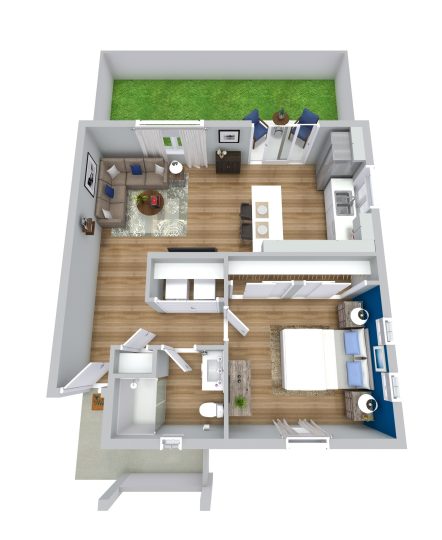
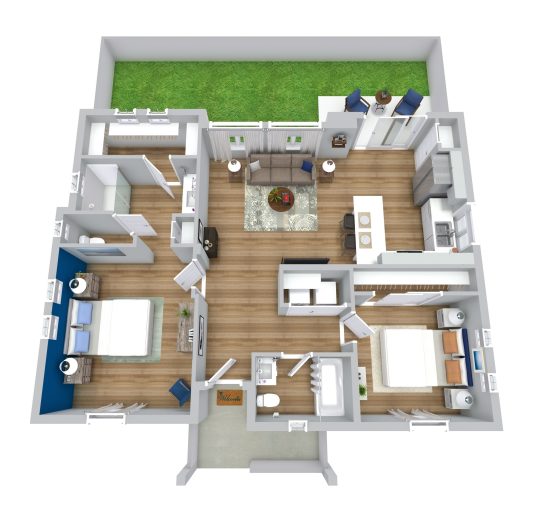
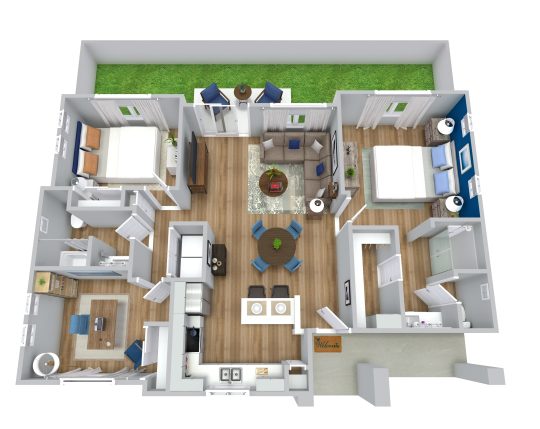
Apartment layout can matter too, not because it changes provider availability, but because it affects how you use the connection inside the home. VLux Stoneridge offers one-, two-, and three-bedroom floor plans, so a renter looking at a larger two- or three-bedroom home should think ahead about device load, router placement, and whether multiple bedrooms may be used for work, school, or streaming at the same time.
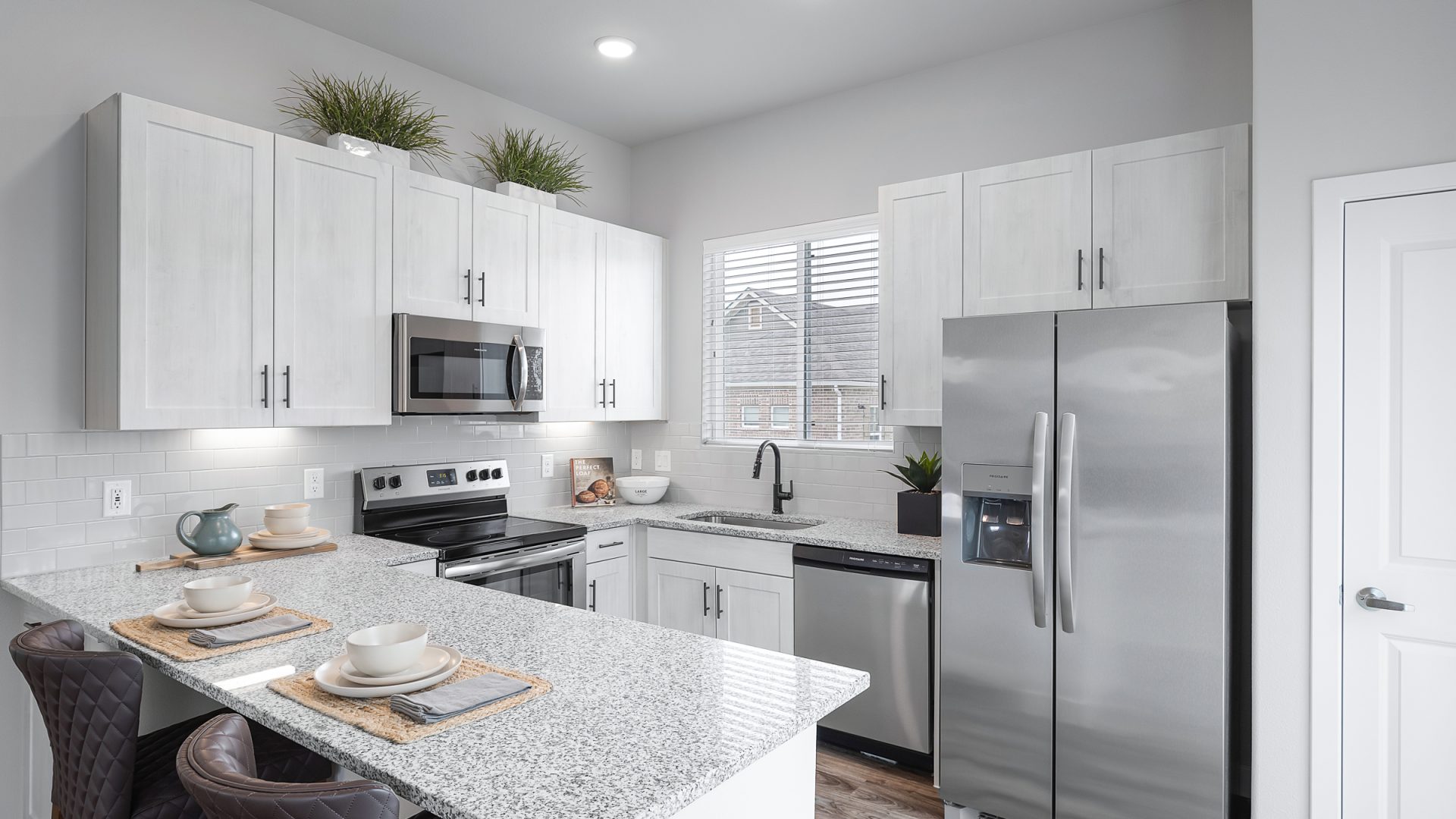
Some of the community’s in-home features can also make self-managed internet more relevant. The homes include smart home technology, which can increase the importance of steady connectivity for app-based controls and connected devices. Full-size washer and dryer setups, private entrances, and private backyards do not change provider service directly, but they can influence where residents want strong Wi-Fi coverage, especially if work or device use spills beyond a single central room.
One more practical point is that this community says residents are responsible for setting up their own internet and cable services, and that if a community-provided service existed, residents could not opt out. Here, because internet is not provided by the community, you should treat your provider decision as part of your move-in checklist: confirm the exact serviceable unit, ask AT&T what equipment is required, and make sure your installation timing lines up with your move so you are not without service during your first workweek.
Questions worth verifying before you commit
Ask AT&T for the exact plans available to the specific apartment home you want, not just the property address. In apartment communities, one building or address range can occasionally differ from another, and the difference between “AT&T available” and “the AT&T plan I want is available at my unit” is the difference that affects your daily use.
Ask whether installation is self-guided or requires a technician appointment. Even when provider access is established, scheduling can affect your move-in experience, especially if you work from home, need service on day one, or are transferring an existing AT&T account from another address. If timing matters, confirm the earliest installation window before finalizing your move plans.
Ask the leasing team which specific apartment home you are considering, then verify that same unit with AT&T and compare it against your needs. If you are deciding between layouts, this can be part of the comparison. For example, a larger household considering a two-bedroom B1 or three-bedroom C1 may want to prioritize stronger plan options and router placement more than a single renter considering a one-bedroom A1.
If AT&T service is one of your non-negotiables, keep the final step simple: contact VLux Stoneridge for the exact apartment home you are interested in, then check that unit with AT&T before applying. That gives you the clearest answer without turning internet setup into guesswork after move-in.